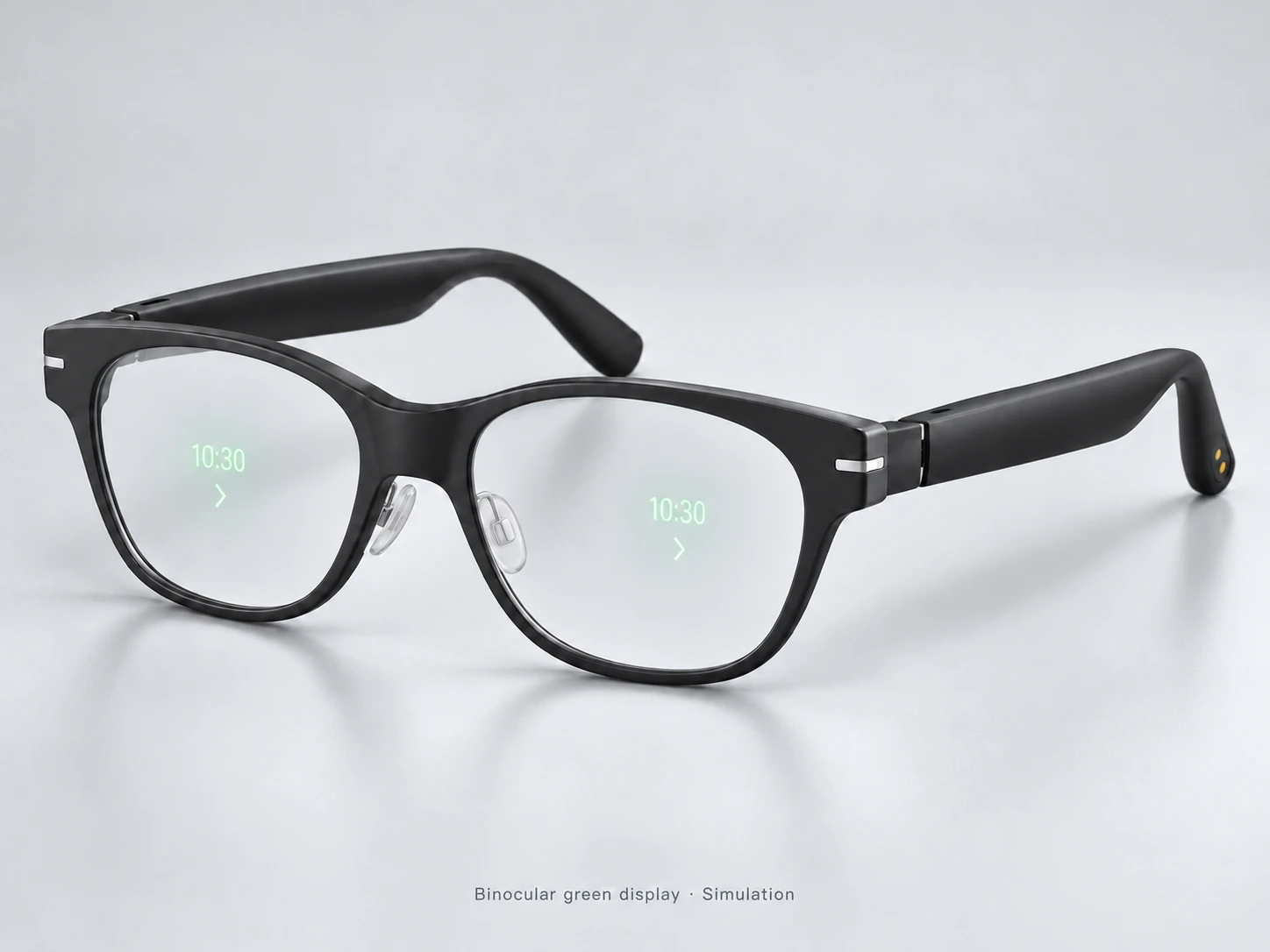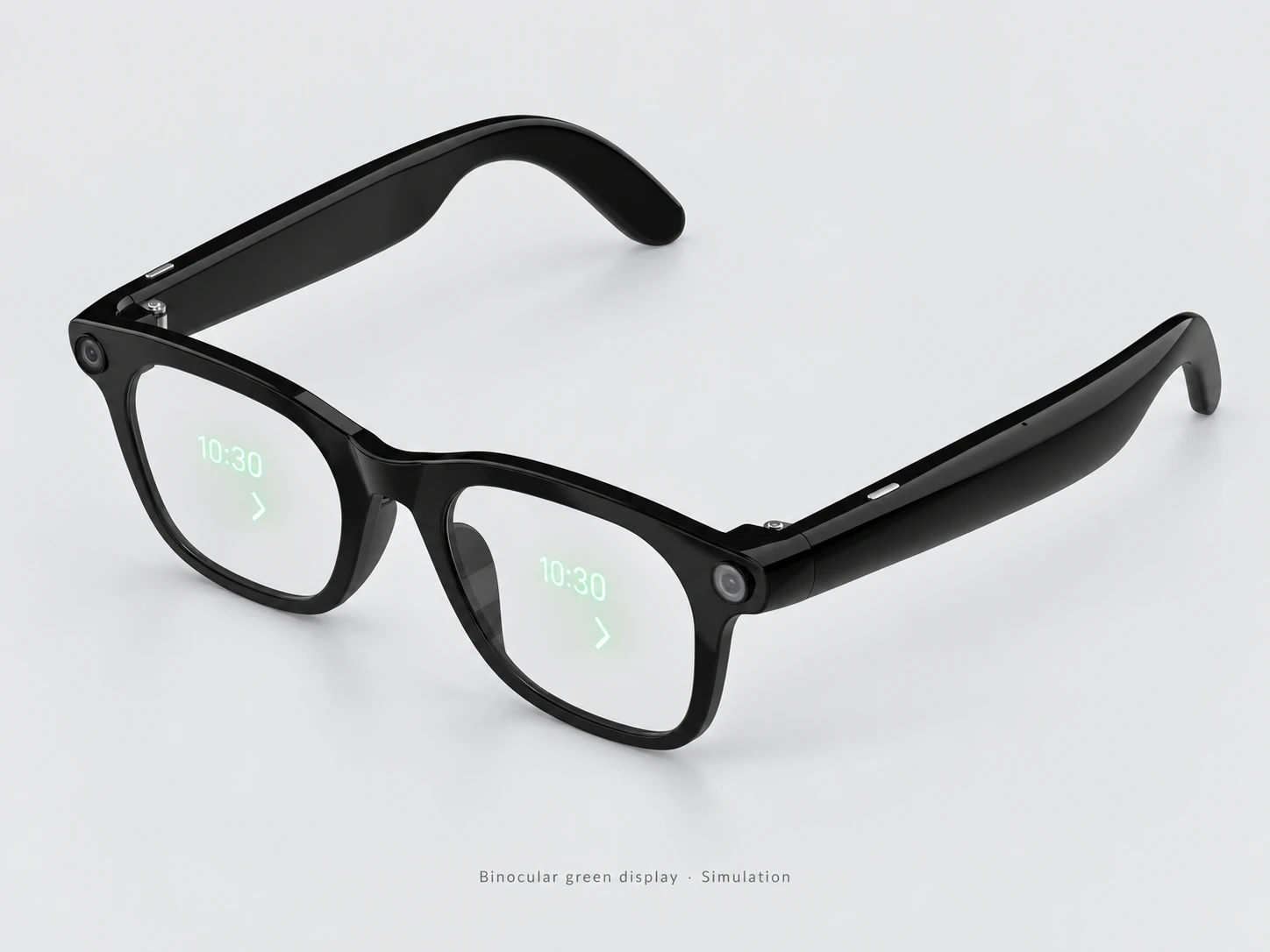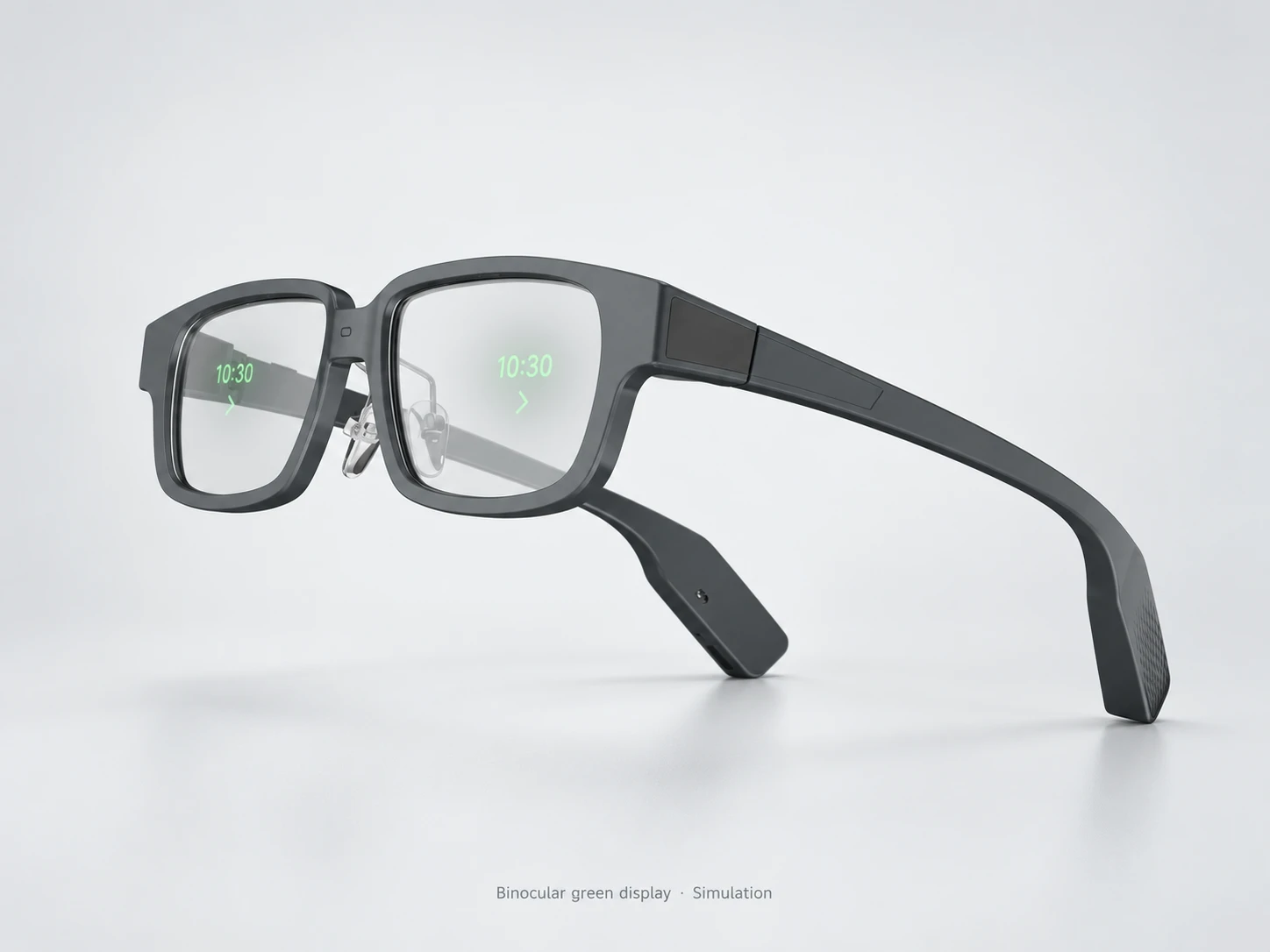
Binocular green display simulation · No speaker
Cue One
YM3AI + AR
AI waveguide display glasses
Read prompts, translations and notifications in your line of sight.
View specs & sample requirements →Display glasses
Waveguide and BirdBath platforms serve different jobs. Choose the viewing task, then review camera input, phone/source requirements and the selected software workflow.
Cue One and Cue Air have monochrome waveguide displays and no built-in cameras. Translation, prompts and notifications require supported app workflows.
Binocular green display simulation · No speaker
AI + AR
AI waveguide display glasses
Read prompts, translations and notifications in your line of sight.
View specs & sample requirements →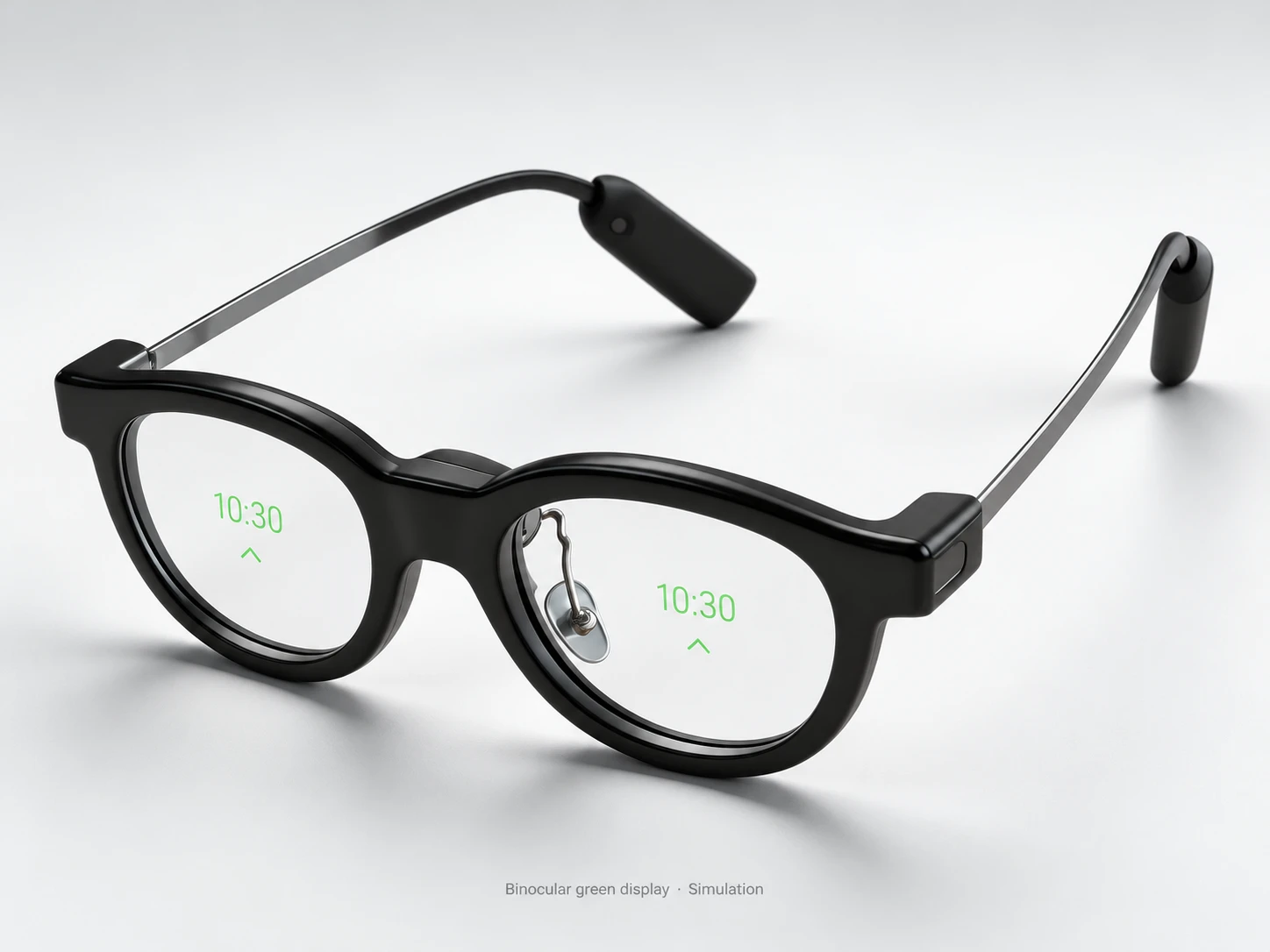
Binocular green display simulation · No speaker
AI + AR
AI waveguide display glasses
Ultra-slim temples. One optical engine, two-eye green waveguide display.
View specs & sample requirements →Each model has its own product imagery and specification page. Single-engine and dual-engine binocular platforms support different frame and optical configurations.
Cue Link combines a binocular display with built-in speakers. Define whether users need visible subtitles, translated audio or both, then verify the supported app and firmware workflow on a sample.
Cue Pro brings a documented 12MP camera, audio and green waveguide output into a project platform. Final appearance, radio configuration and sample readiness are reviewed per project.
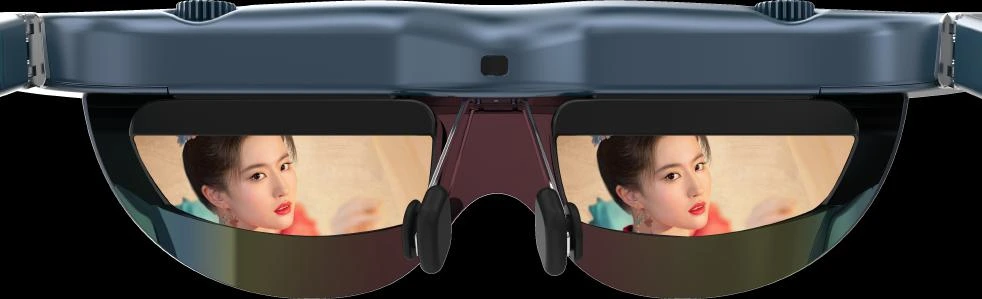
Cinema One uses full-colour Micro-OLED displays and BirdBath optics for compatible movie, gaming and work sources. AI depends on the source or optional companion device.
A display, microphone and speaker are hardware choices. Translation quality depends on the complete device, app and language-service workflow.
Cue Air and Cue One have no built-in speakers or cameras. Evaluate text readability, font size and the supported display workflow when quiet visual information is the priority.
Review Cue Link when users need speakers as well as a display. Confirm independent audio/subtitle controls and simultaneous operation on a sample.
Review Cue Pro when scene capture is required alongside a display and speakers. Camera input adds integration, permissions and power requirements; sample readiness is reviewed per project.
Specify the language pair and direction, downloadable language packs, phone requirements and functions available without a network. Measure speech input to readable text or audible output on the selected sample. An offline wake word or chipset name does not establish offline translation or a particular end-to-end latency.
Request an unedited demonstration with the model, app, firmware, phone and network conditions identified. Test both sides of a conversation, including how the other person receives the wearer’s reply. For right-to-left scripts such as Arabic, check complete sentences, joined characters and mixed numbers on the display.
Confirm sample and production status, frame and lens choices, branding scope, service subscriptions and usage fees, target-market documentation and support responsibilities. Agree acceptance tests for readability, translation accuracy, latency and runtime before placing a production order.
Both architectures deliver a binocular view. Green monochrome and full-colour options are available for project selection; the current Cue model specifications describe the documented green configuration.
One optical engine feeds both eyes. Cue Air (GT5) is our ultra-slim-temple, green monochrome reference.
Green monochrome / full-colour project options
Explore Cue AirSeparate optical engines supply the two eyes. Compare Cue One and scope the optical configuration for your application.
Green monochrome / full-colour project options
Explore Cue OneResolution, field of view, brightness, power and frame geometry are specified for the selected optical configuration; they are not interchangeable between green and full-colour versions.
Share your app workflow or video source, camera requirements and target volume. We will review a suitable model and evaluation plan.