Scout One
FA-C10AI + Camera + Audio
AI camera glasses
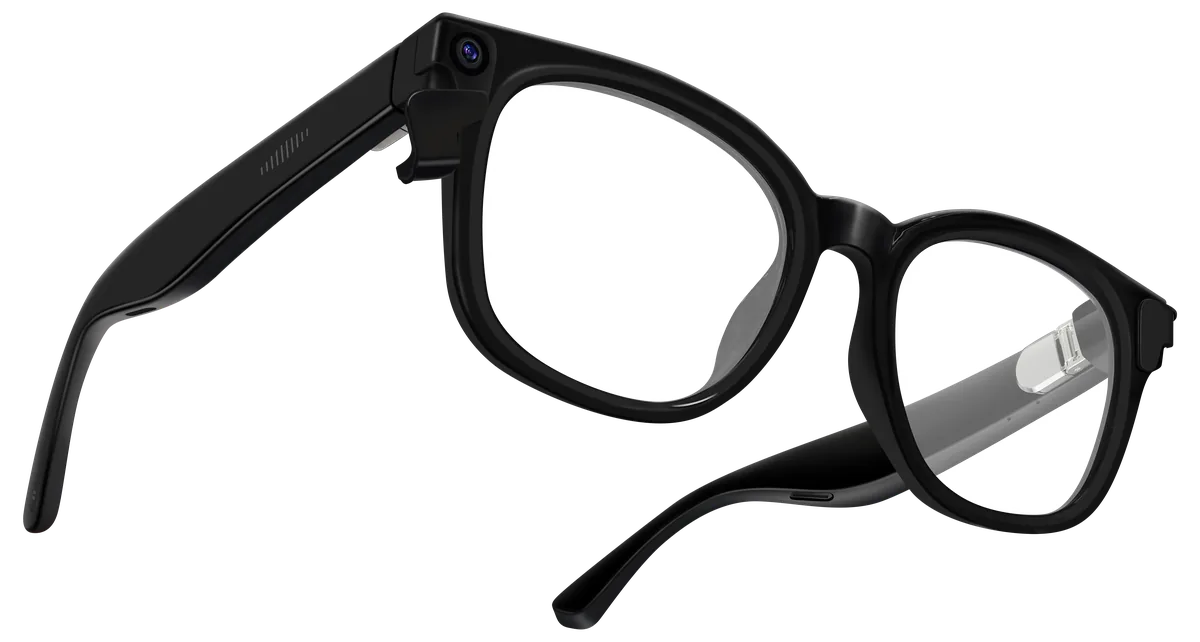
8 MP capture, hands free.
View specs & sample requirements →Smart glasses OEM/ODM platforms
Six categories describe different camera, audio and optical-display architectures. Applications, users and markets sit beneath these choices. AI capability depends on the selected device, companion app and services; a category name does not establish standalone AI processing.
8MP Scout One and 13MP Scout One Pro: hands-free capture, music, calls and companion-app AI.
AI + Camera + Audio
AI camera glasses
8 MP capture, hands free.
View specs & sample requirements →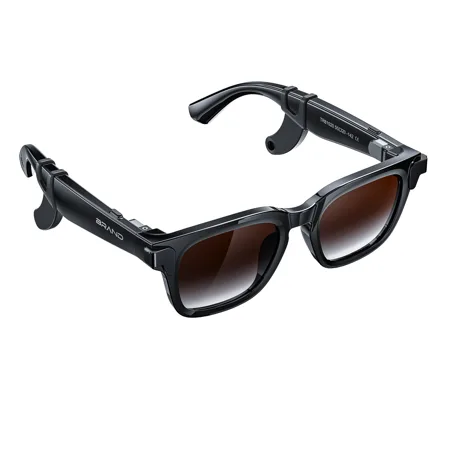
AI + Camera + Audio
AI camera glasses
13 MP capture with spring hinges.
View specs & sample requirements →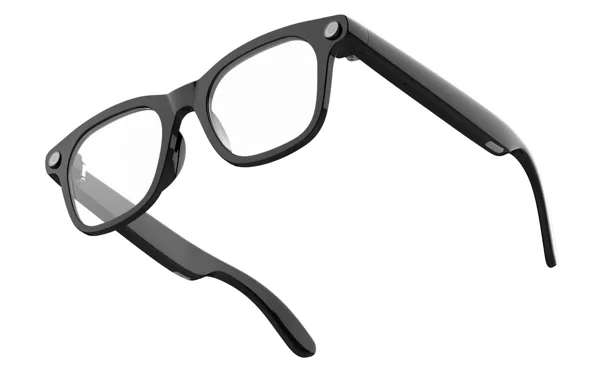
AI + Camera + Audio
12MP AI camera glasses
12MP hands-free capture with open-ear audio.
View specs & sample requirements →Explore first-person capture for outdoor activities, fishing or golf; app-assisted travel translation; and image recognition. Scene-specific fit, lens options, capture quality and AI services require evaluation. Meeting-note workflows need separate review of audio access, recording behaviour and the app; they are not established by camera hardware alone.
Review scenarios, users and evidence →Music, calls and supported voice interactions through a connected phone. No camera or display.
AI + Audio
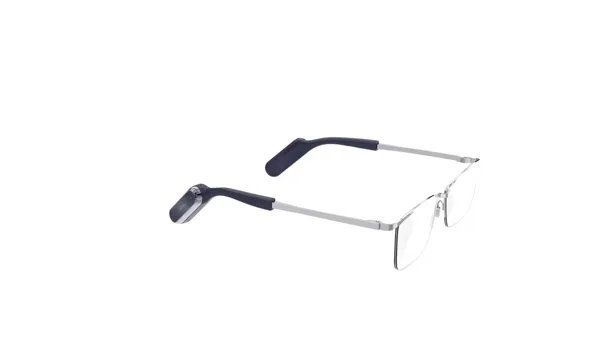
Modular audio smart glasses
Change the frame. Keep the smart audio.
View specs & sample requirements →
AI + Audio
AI audio glasses
Open-ear audio, all day.
View specs & sample requirements →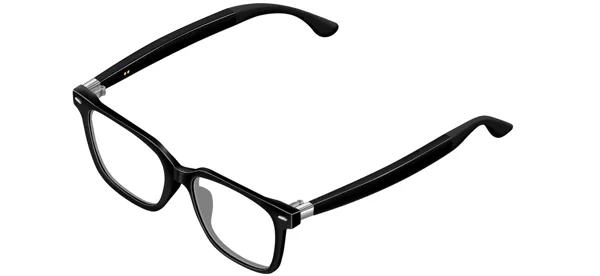
AI + Audio
AI audio glasses
Removable audio temples. Compatible frame choices.
View specs & sample requirements →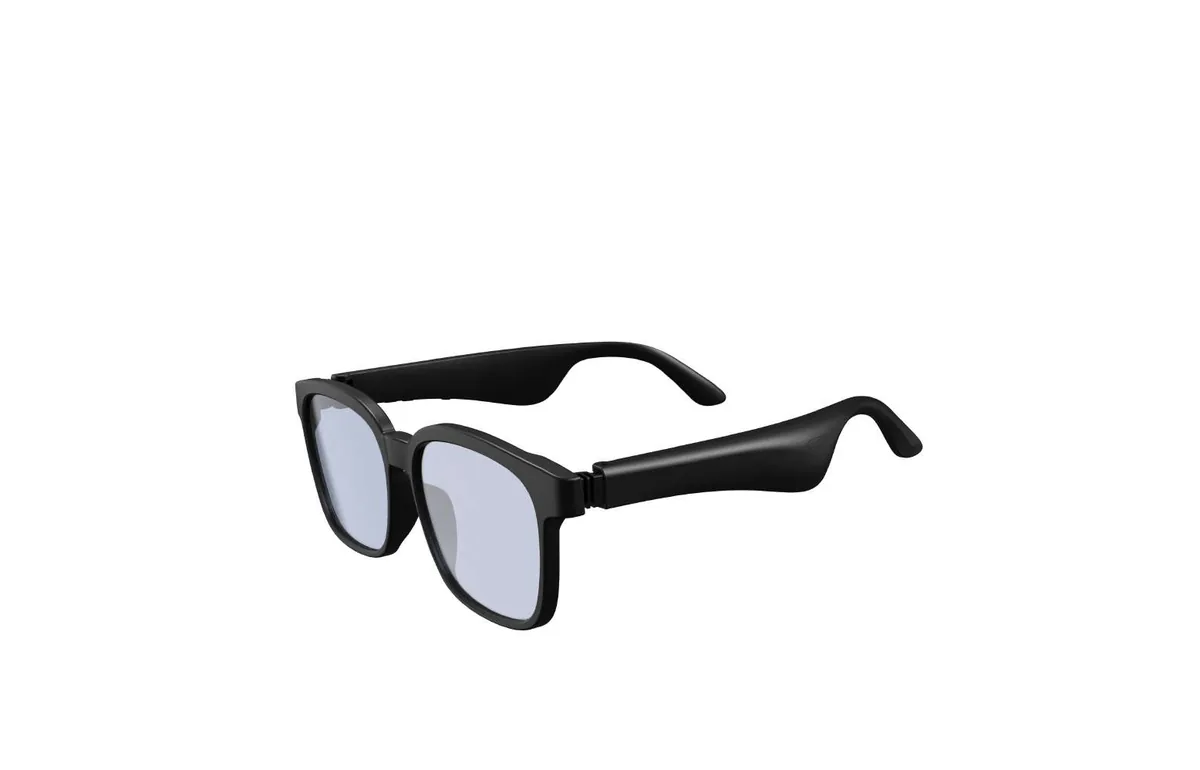
AI + Audio
Square-frame open-ear audio glasses
Classic square frames with open-ear audio temples.
View specs & sample requirements →Explore everyday music and calls, travel voice workflows and sport-oriented frame options. Review compatible detachable temples for eyewear brands offering multiple frames. Custom meeting assistants require confirmed audio interfaces and app development; open-ear playback does not itself establish meeting recording.
Review scenarios, users and evidence →Single-engine or dual-engine binocular architectures, with green monochrome and full-colour project options. Explore Cue Air and Cue One.
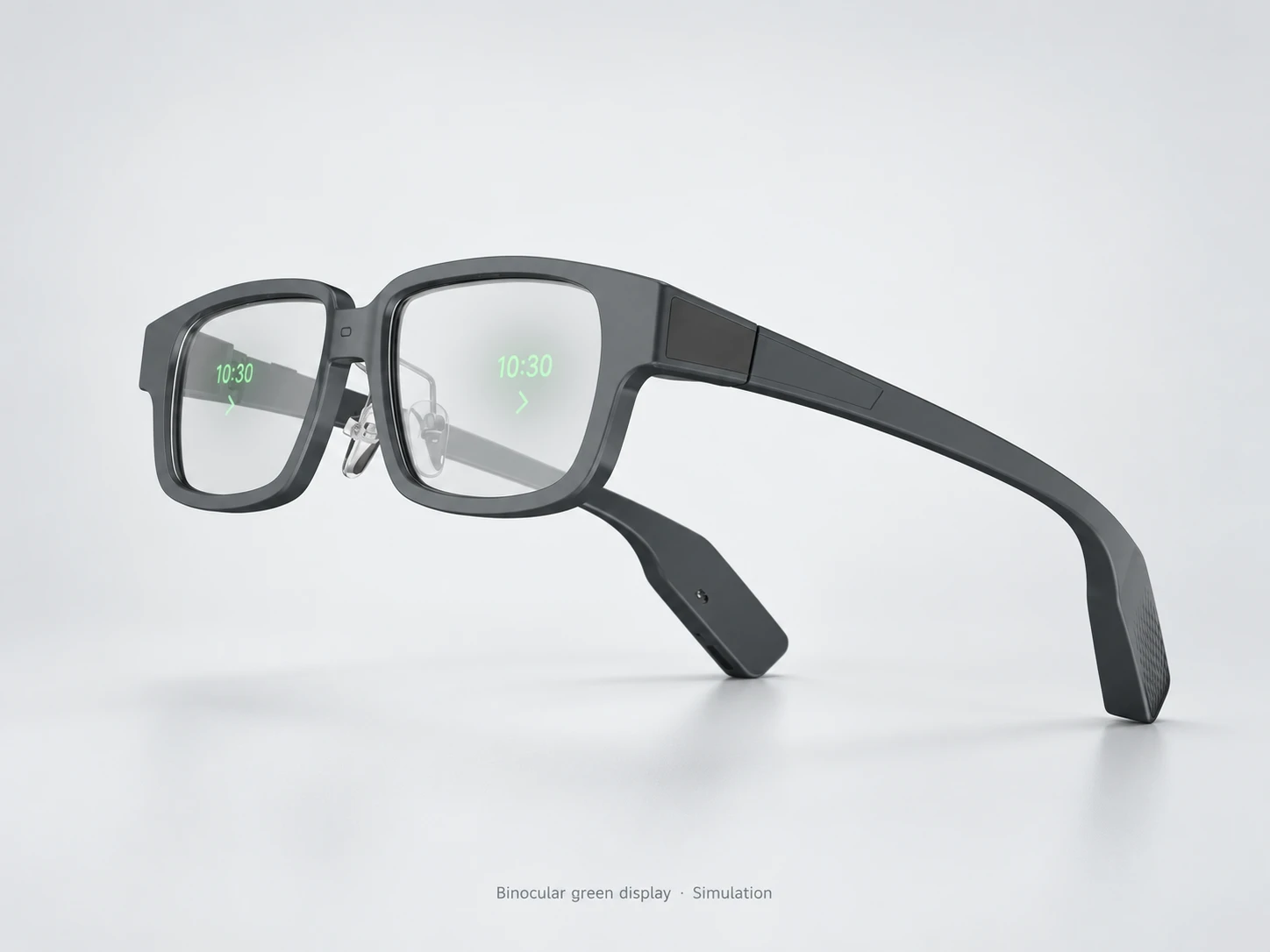
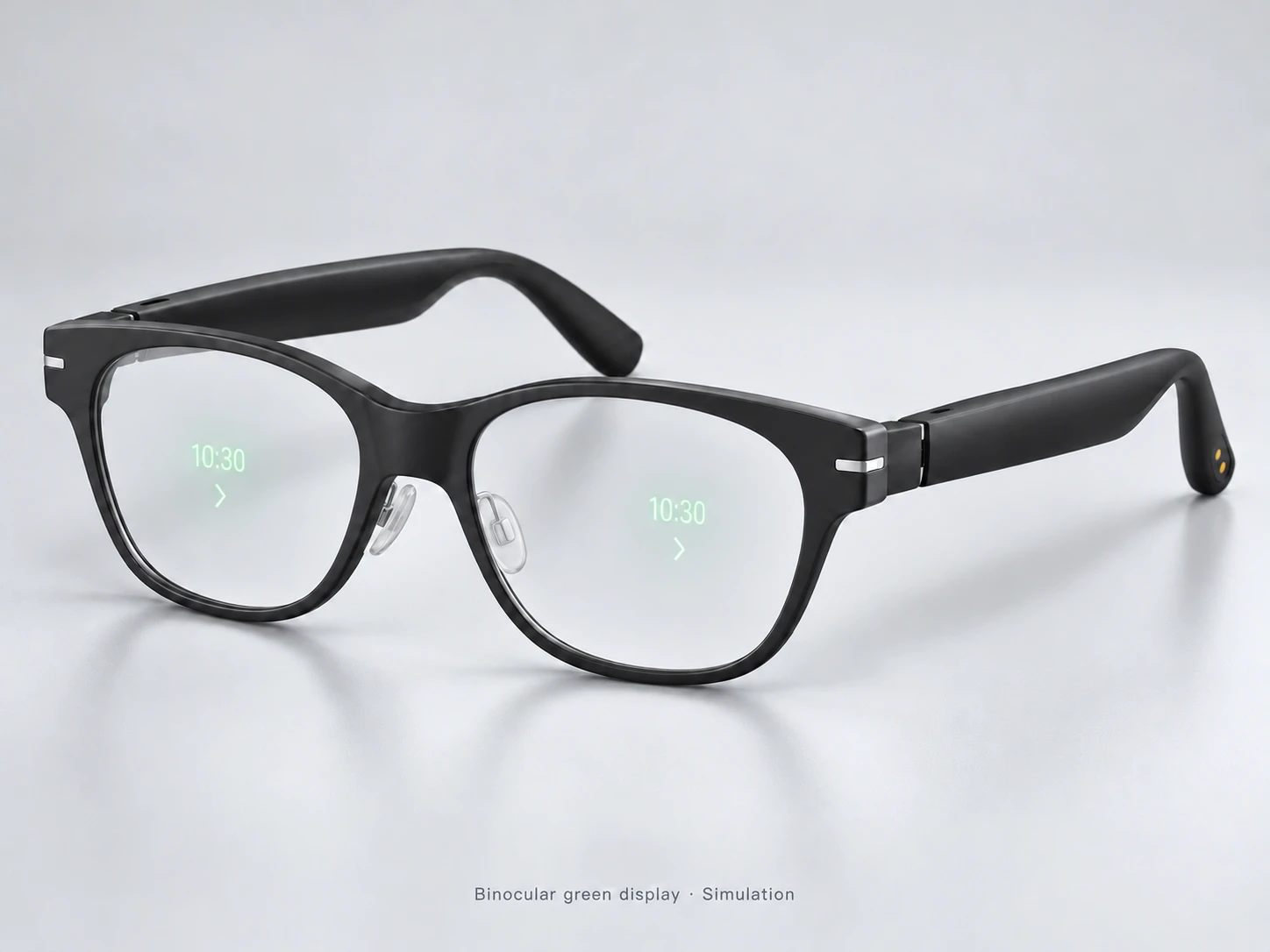
Binocular green display simulation · No speaker
AI + AR
AI waveguide display glasses
Read prompts, translations and notifications in your line of sight.
View specs & sample requirements →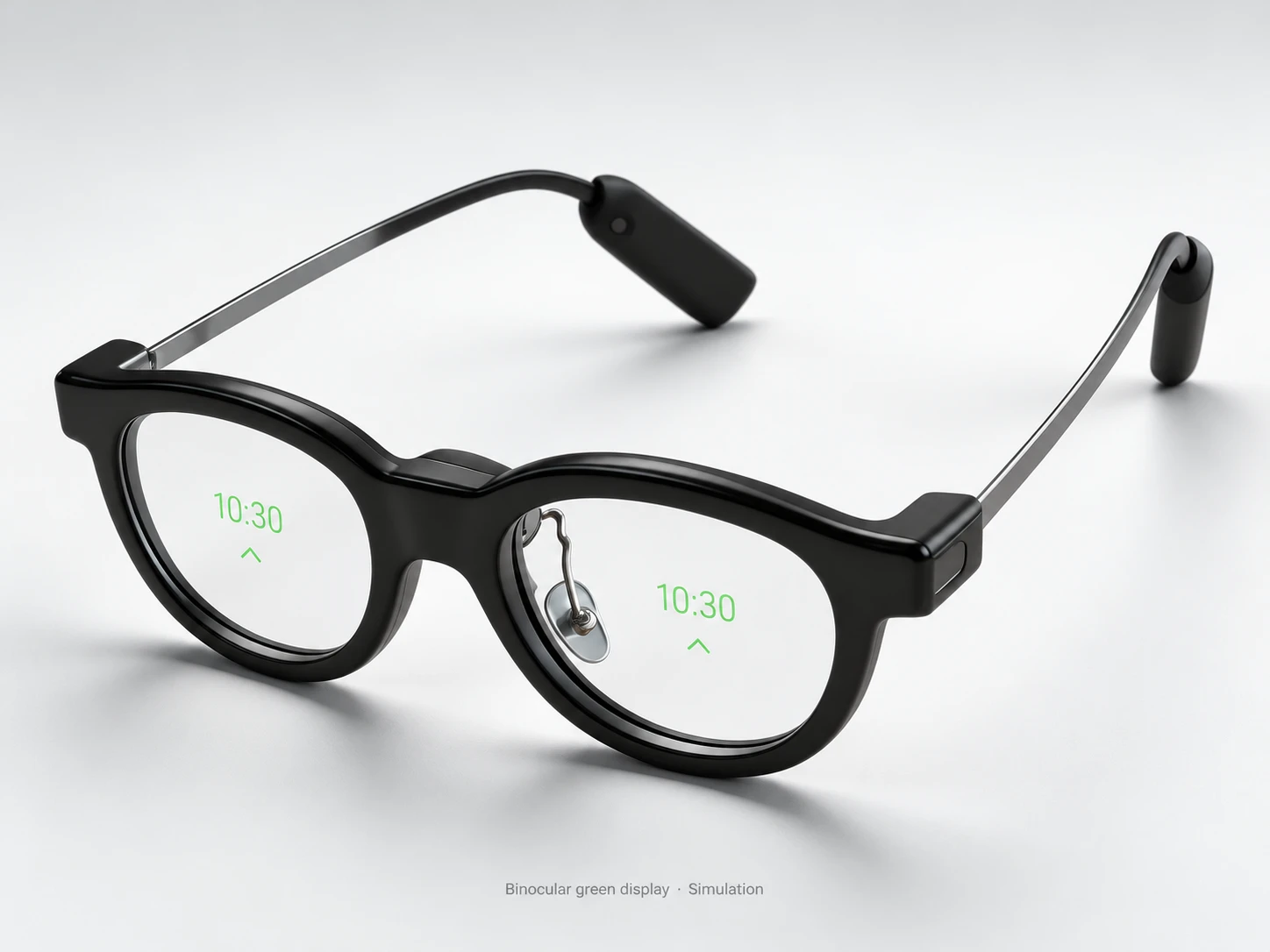
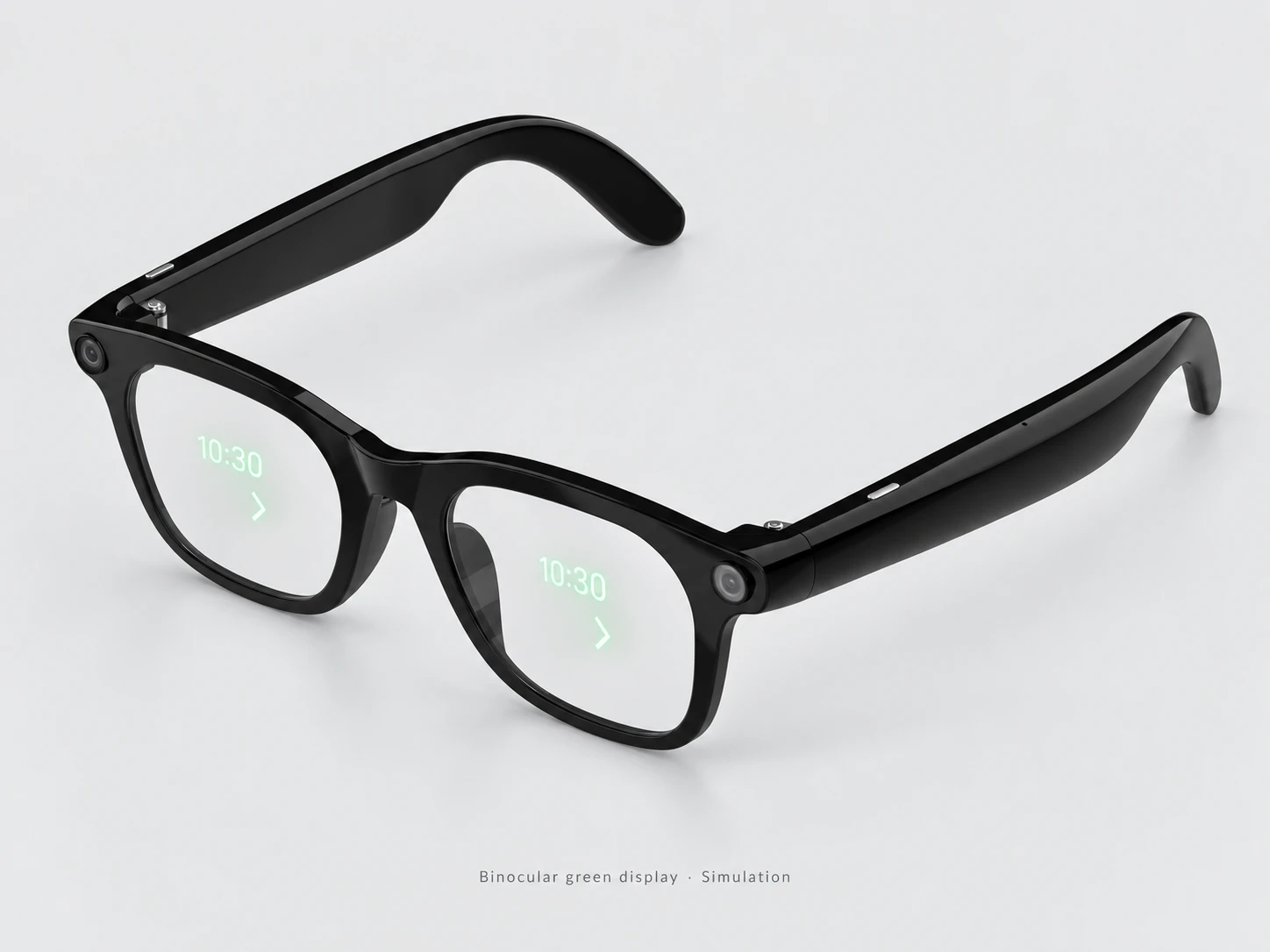
Binocular green display simulation · No speaker
AI + AR
AI waveguide display glasses
Ultra-slim temples. One optical engine, two-eye green waveguide display.
View specs & sample requirements →Both architectures deliver a binocular view. Green monochrome and full-colour options are available for project selection; the current Cue model specifications describe the documented green configuration.
One optical engine feeds both eyes. Cue Air (GT5) is our ultra-slim-temple, green monochrome reference.
Green monochrome / full-colour project options
Explore Cue AirSeparate optical engines supply the two eyes. Compare Cue One and scope the optical configuration for your application.
Green monochrome / full-colour project options
Explore Cue OneResolution, field of view, brightness, power and frame geometry are specified for the selected optical configuration; they are not interchangeable between green and full-colour versions.
Explore travel text translation, navigation prompts, approved meeting reference cards and caption-display projects. Phone location, speech recognition, language support and display delivery must be tested together. Caption display is a project workflow to evaluate, not a claim of hearing-assistance certification.
Review scenarios, users and evidence →In-view information with microphones and open-ear audio. Cue Link combines binocular information display with multimedia speaker output.
Combine binocular translated text, reference prompts and multimedia speaker output. Cue Link supports offline translation; confirm languages, connected devices and the scope of the reported latency.
Review scenarios, users and evidence →Cue Pro is presented as a scoped project platform. The supplied AI+AR design reference can inform the same project, but final appearance, wireless configuration and sample readiness need confirmation.
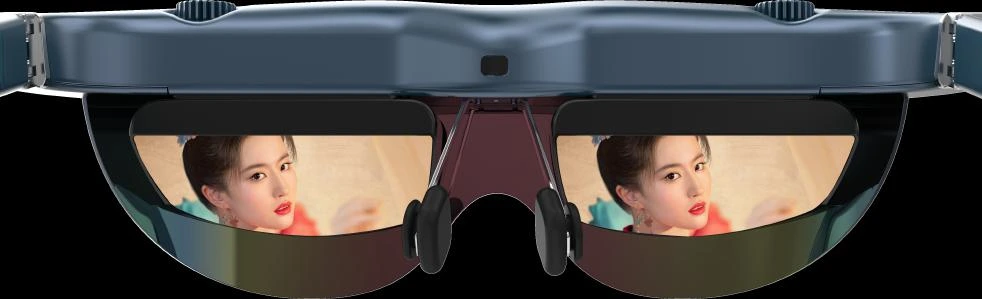
Watch movies and games from a compatible video source. AI and optional modes depend on the source or accessories.
Explore movies, gaming and a personal screen for compatible sources. Check source video output, power, fit and vision adjustment. BirdBath cinema viewing differs from a see-through waveguide prompt workflow; accessories and content determine optional modes.
Review scenarios, users and evidence →Cue Pro combines scene capture, green waveguide display and multimedia speakers for visual AI workflows.
Explore camera-assisted recognition with in-view responses, guided navigation and task prompts. Golf information or other specialist overlays require a scoped app and data source. Cue Pro is a project platform; continuous streaming, spatial tracking and every proposed scenario are not standard confirmed capabilities.
Review scenarios, users and evidence →Prescription fitting, photochromic lenses, sport frames and child-sized fit are cross-platform configuration requirements. Confirm compatibility, measurements and optical/display behaviour for the exact model. Children's reading-distance and posture-monitoring designs are a separate specialist development scope; camera, HUD, clinical myopia-control effects and attention-training outcomes cannot be assumed.
Discuss a specialist eyewear brief →A sensor captures the scene, an app handles a workflow, and optics display an image. Check these layers separately, then review their connection, power and software requirements together.
Share the model, target use, destination and software requirements. We confirm configuration, sample readiness and a quotation.